
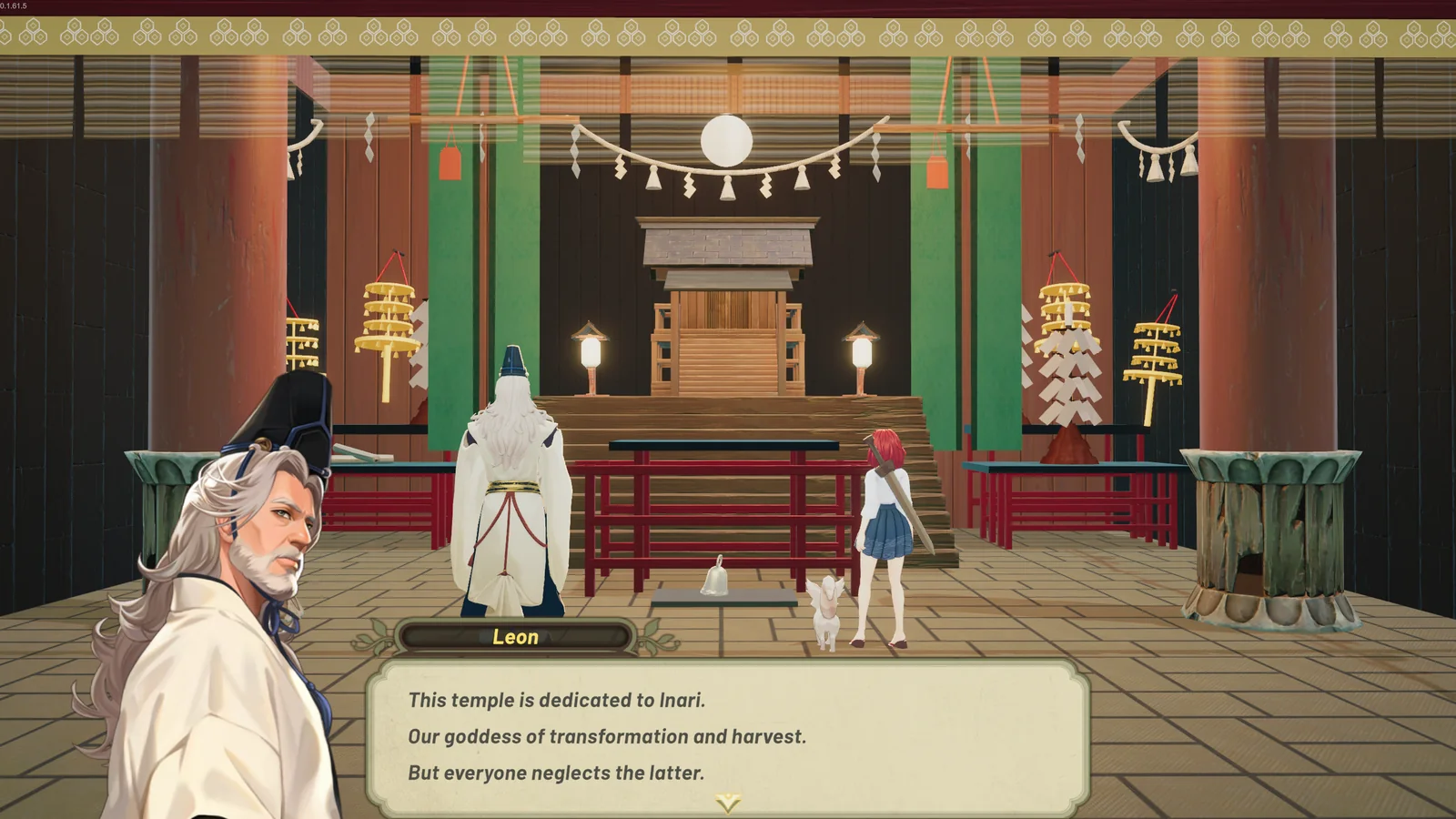
Steam currently lists Full Controller Support for Tales of Seikyu, as independently checked on July 13, 2026. Controller behavior can still depend on the device, connection method, Steam Input configuration and in-game settings.
This guide describes a safe diagnostic order rather than claiming a universal button map. Check the game's own settings and live Steam feature panel for the options that apply when you play.
Establish one active input path
Close the game, connect the intended controller, confirm that Steam recognizes it, then relaunch. Temporarily disconnect unused controllers and virtual input devices if the game appears to switch prompts or accept duplicate movement.
- Test navigation in a menu before loading into active play.
- Note whether prompts change when you touch the mouse or keyboard.
- Avoid remapping several layers at once.
Separate Steam Input from in-game mapping
A Steam Input layout and an in-game binding can both transform the same physical control. If an action repeats, disappears or triggers unexpectedly, return one layer to its default state and retest before editing the other. Record the previous choice so the change is reversible.
Use keyboard and mouse as a diagnostic
If controller input fails, test whether keyboard and mouse can reach the same menu or action. This does not solve the controller issue, but it helps distinguish a general game-state problem from an input-specific conflict. Do not infer an official button assignment from a community layout.
Report a reproducible issue
Capture the controller model, wired or wireless connection, Steam Input state, the screen where the problem occurs and the shortest reliable reproduction steps. Official bugs can be submitted through the in-game Report Bugs function.