
You do not need to read every guide in order. Pick the situation that matches why you opened the site, follow the short path, and return here whenever your goal changes.
All routes use the July 13, 2026 verification baseline. Advice is deliberately flexible because different play styles and discoveries can change what matters on a particular in-game day.
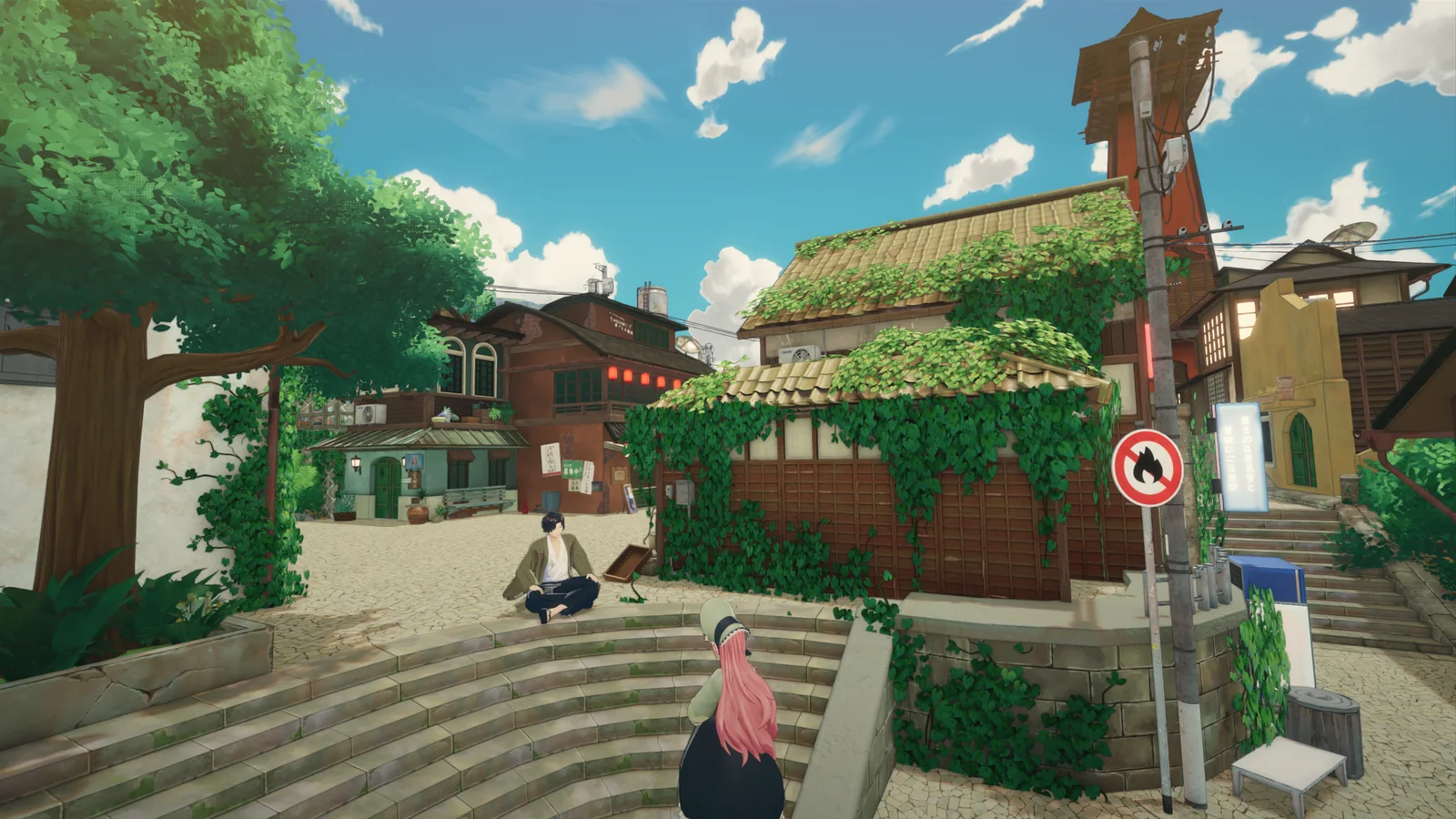
What is actually in Tales of Seikyu 1.0?
- A full 3D island with a farm, town, shrines, ruins and underwater routes.
- Seasonal crops plus chickens, cows, sheep and capybaras.
- Named yokai residents, friendship, romance and marriage.
- Boar, tengu, water-spirit and customizable Fox Yokai transformations.
- A completed main story plus post-1.0 support.
I just bought the game
Begin with the beginner guide for the reasoning behind time, stamina, storage and exploration choices. Use the first-day route while learning the interface, then shift to the first-week guide when you can see which activities you enjoy most.
- Read the beginner priorities before trying to optimize everything.
- Use First Day as a flexible sequence rather than a deadline.
- Open the planner only for goals you genuinely want to remember.
I am returning from Early Access
Go first to the 1.0 launch guide. Tales of Seikyu entered Steam Early Access on May 21, 2025 and reached PC Steam 1.0 on June 11, 2026. The official 1.0 highlights include marriage, new romanceable villagers, farming improvements and automation, new festivals and activities, additional areas, a customizable Fox Yokai transformation and the conclusion of the main story.
I need one system explained
Use the focused system guides when you want a planning framework rather than a copied database. Farming, fishing, cooking, crafting, characters, romance, Yokai transformations and exploration each have a dedicated entry point with explicit fact limits.
Something is not working
Open Troubleshooting for a safe diagnostic order. Device-specific pages cover system requirements, Steam Deck checks and controller input. Preserve your saves, change one variable at a time, and record what happened before submitting a report through the in-game Report Bugs function.